OptiLux: Advanced Image Restoration Workspace
Situation
Digital image processing and restoration traditionally rely on heavy desktop software, which often lacks modern usability and seamless workflows. There was a need for a professional-grade web application that brings complex mathematical image enhancement to the browser using a decoupled architecture, without sacrificing performance.
Task
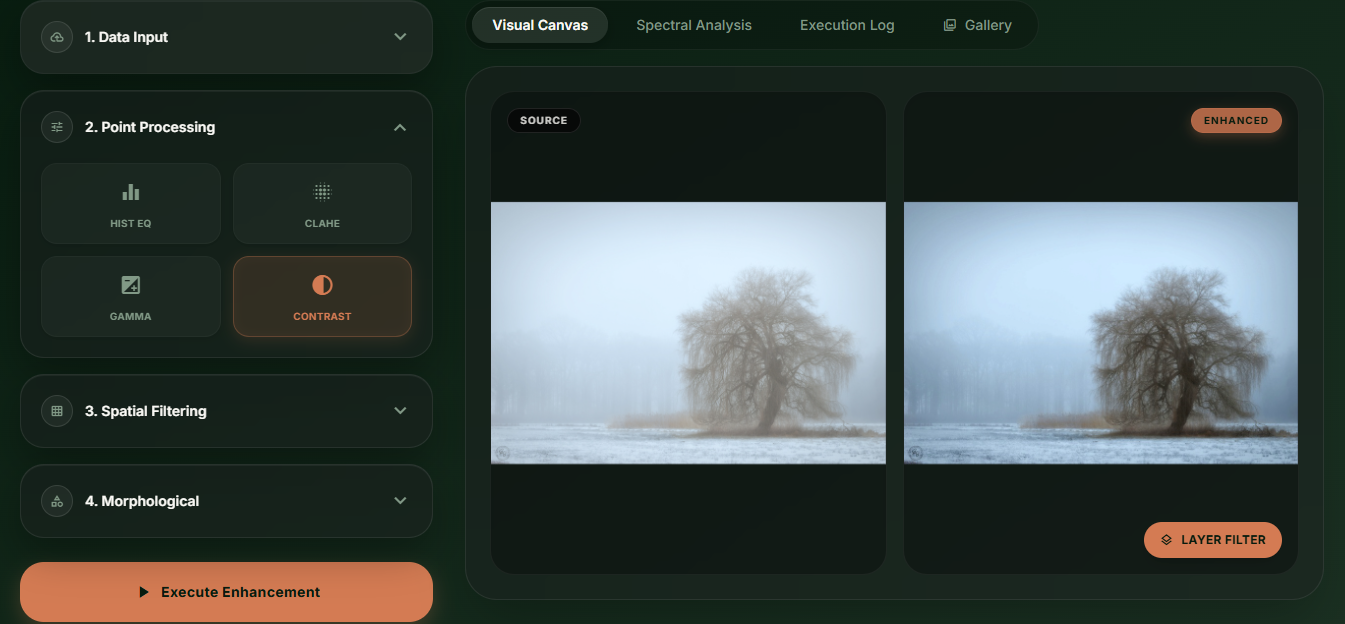
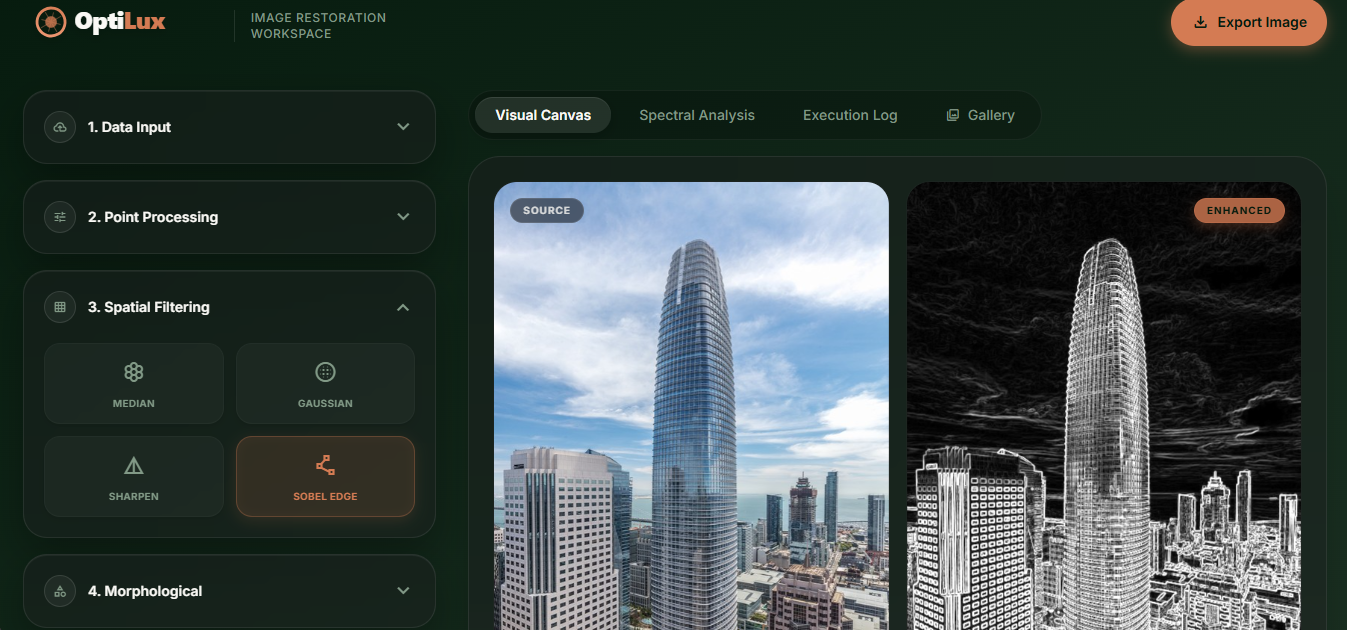
Build a web-based Advanced Image Restoration Workspace that allows users to apply point processing, spatial filtering, and morphological operations. The platform required a premium, modern "modern design" UI with real-time feedback and an asynchronous data flow to eliminate disk-write bottlenecks.
Actions
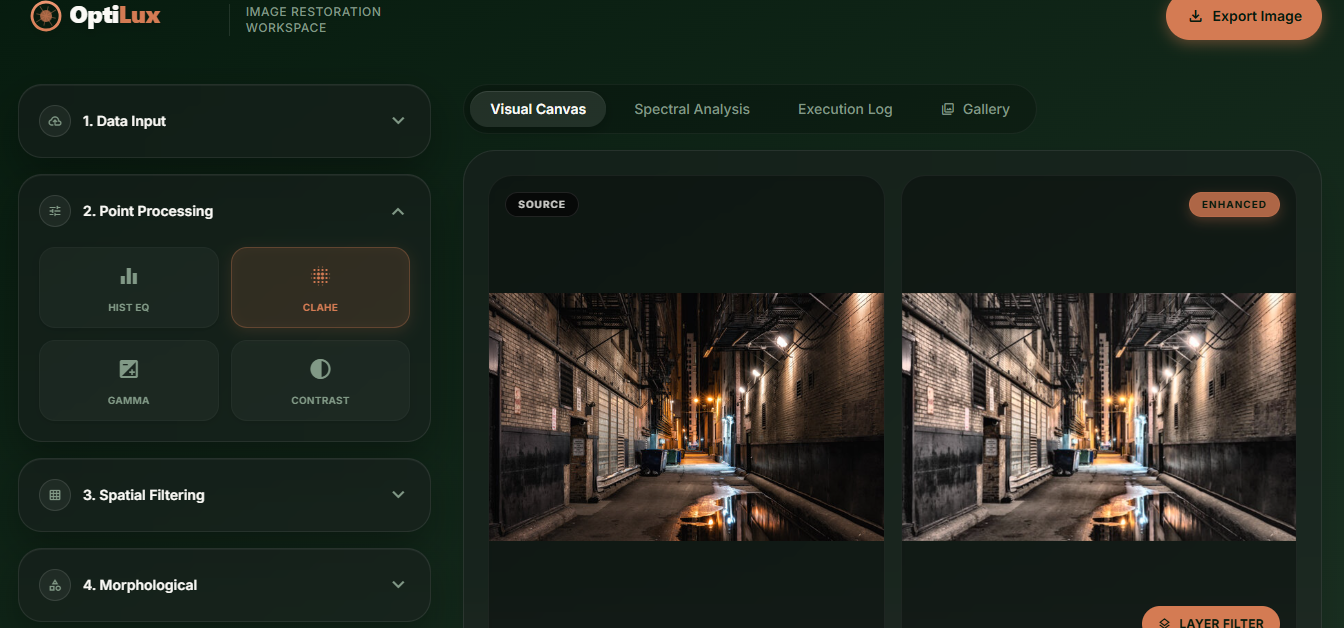
- Frontend Development: Built with Vanilla HTML5, CSS3, and JavaScript styled with Tailwind CSS. Designed with a premium "dark moss and clay" color palette featuring micro-animations, translucent panels, and a highly responsive grid layout.
- Backend & Processing: Created a high-performance FastAPI (Python) server. Leveraged OpenCV and NumPy to handle the heavy lifting for mathematical pixel transformations and matrix convolutions.
- Optimized Data Flow: Used asynchronous fetch APIs and in-memory Base64 image transfers to eliminate disk-write bottlenecks, ensuring rapid, real-time feedback.
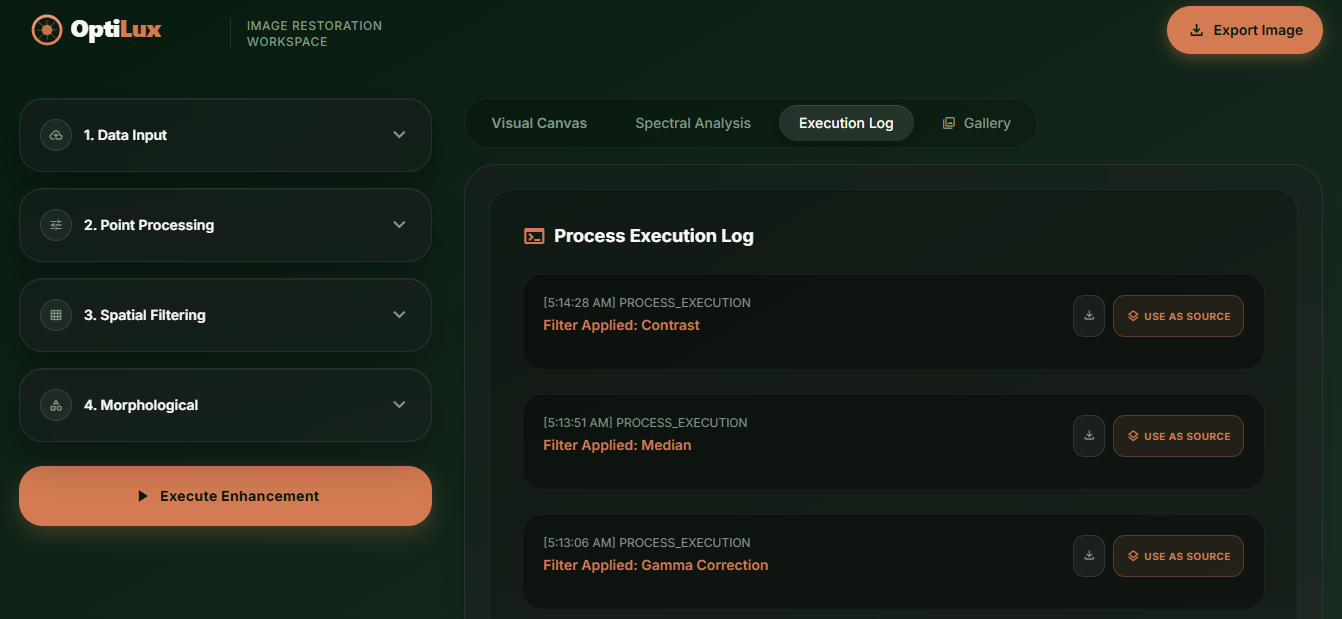
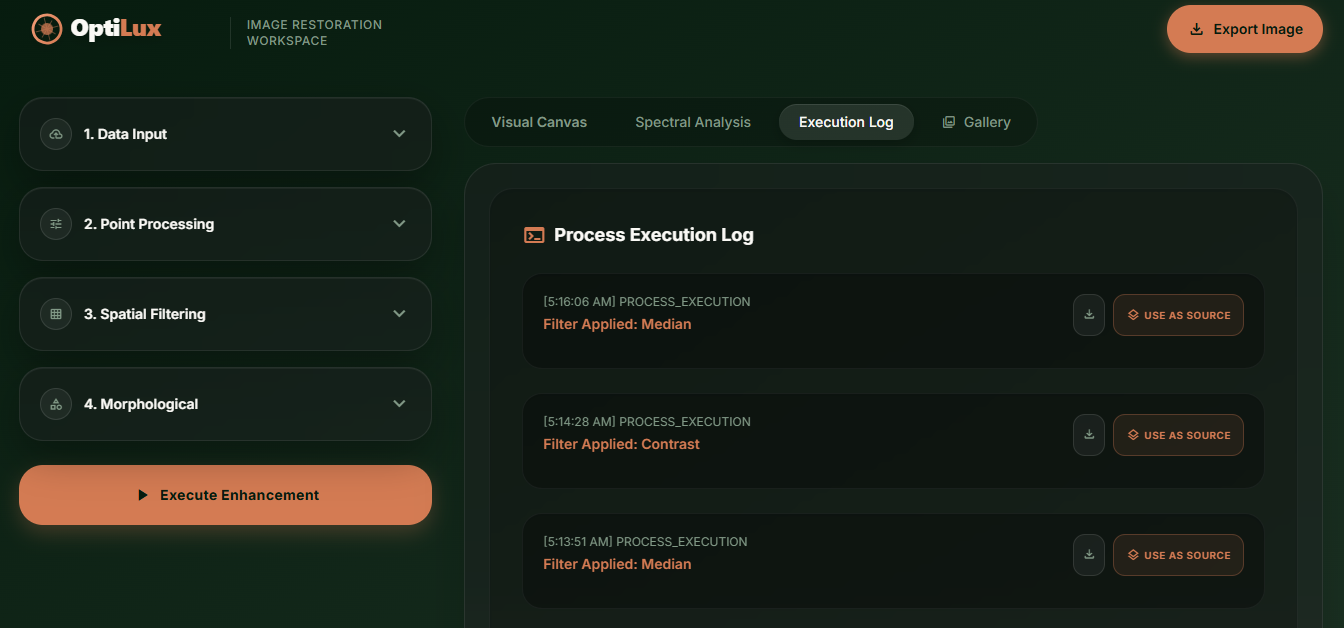
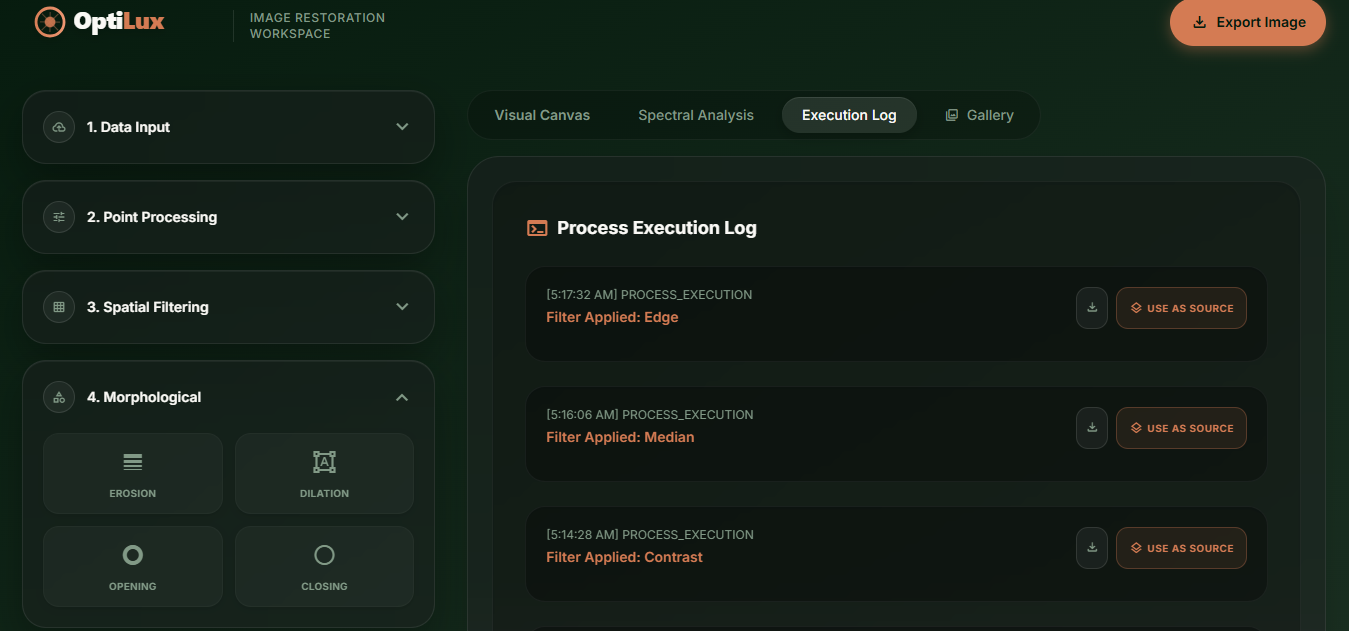
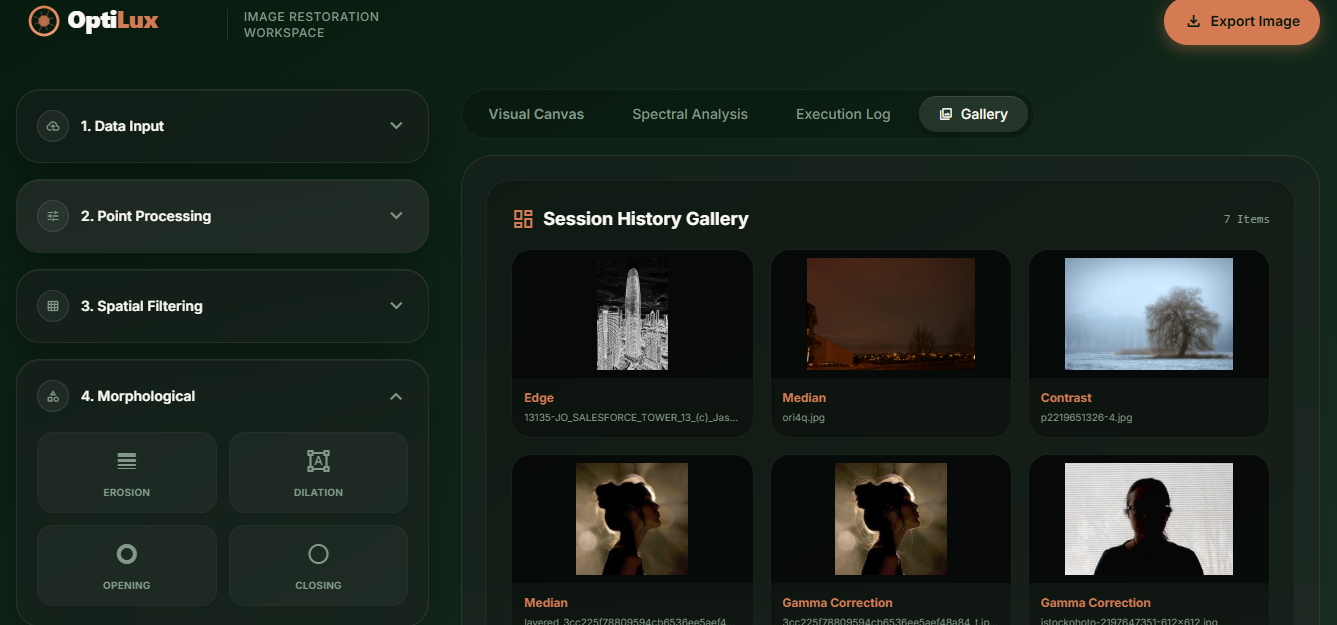
- Iterative Processing (Layering): Users don't have to download and re-upload images to apply multiple effects. The "Use as Source" feature allows an enhanced image to immediately be looped back as the input for a new algorithm.
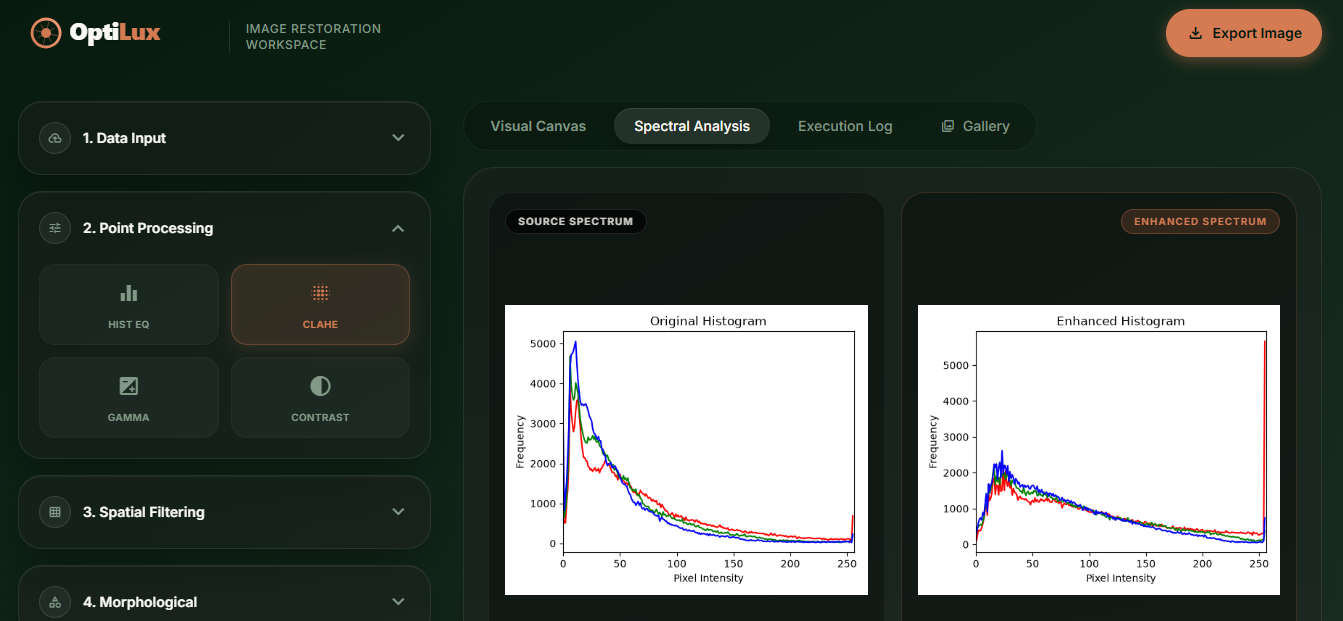
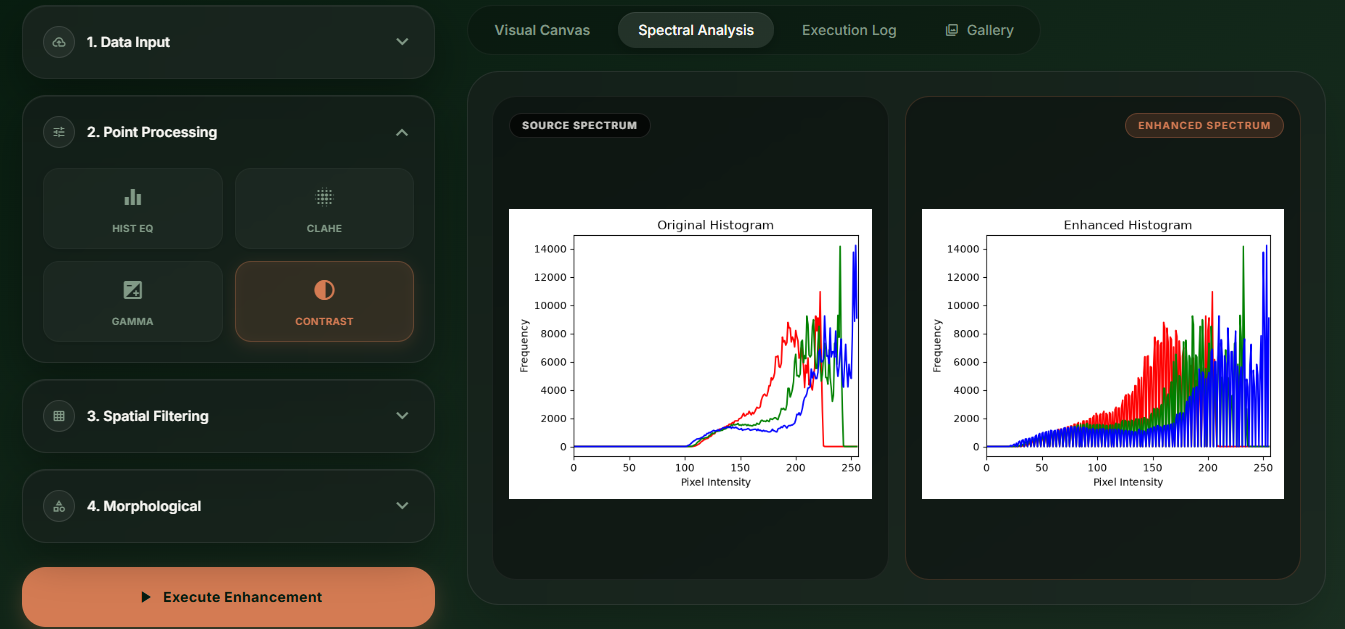
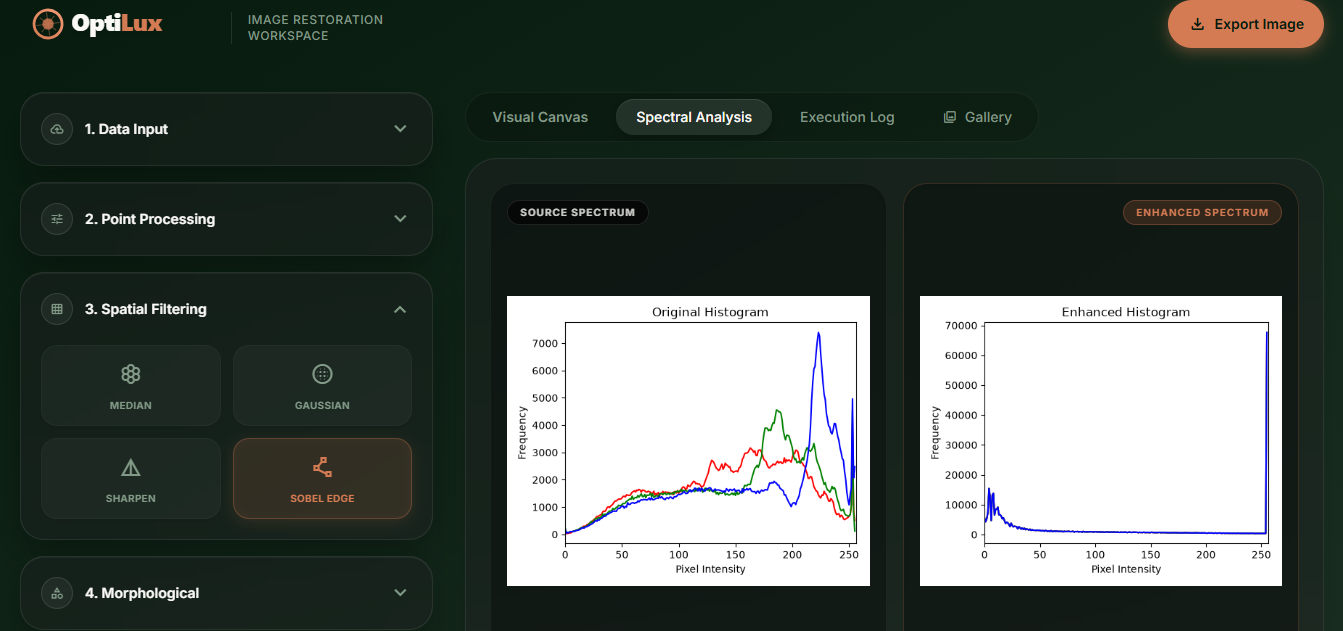
- Spectral Analysis Canvas: Automatically generates and displays side-by-side histograms of the original vs. enhanced image, allowing users to mathematically verify the contrast shift.
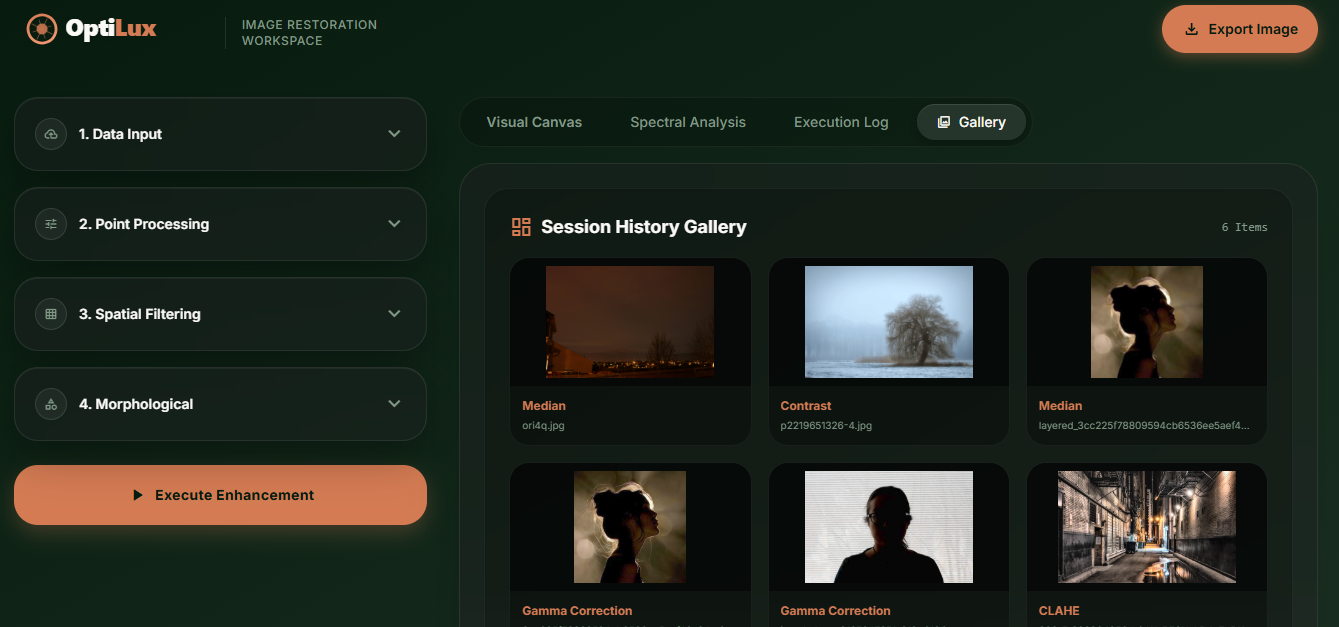
- Execution Log & Gallery: Added a scrollable, timestamped terminal log that records every filter applied during the session, and a grid-based Session History Gallery that temporarily stores all generated images.
Core Image Processing Features Implemented:
1. Point Processing (Pixel-Level Transformations)
- Histogram Equalization: Spreads out the most frequent intensity values to drastically improve the global contrast of washed-out images.
- CLAHE: A superior version of standard equalization that operates on small data tiles rather than the entire image, improving local contrast while actively preventing noise amplification.
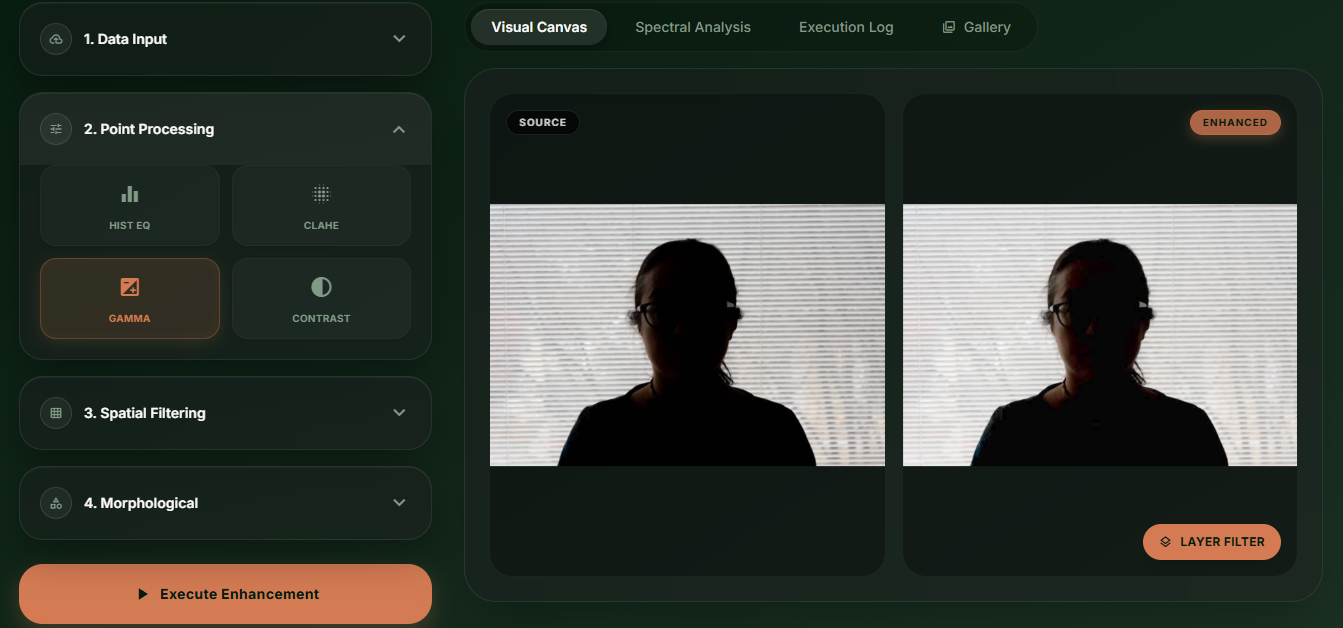
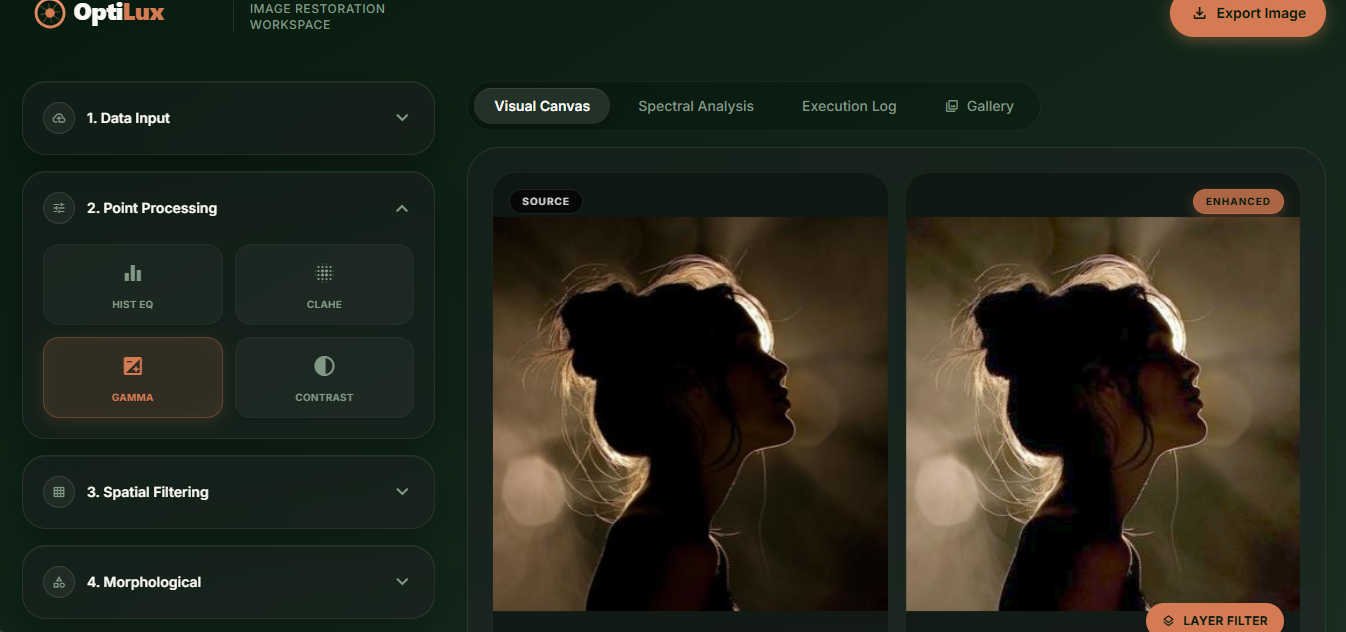
- Gamma Correction: Applies a non-linear power-law transformation to correct severely underexposed or overexposed images.
- Contrast Stretching: Normalizes pixel intensities to stretch across the full 0-255 spectrum, expanding dynamic range.
2. Spatial Filtering (Neighborhood Processing)
- Median Filter: Highly effective at removing "salt-and-pepper" noise while perfectly preserving sharp edges.
- Gaussian Blur: Uses a Gaussian function to calculate the transformation, resulting in a smooth, highly natural blur.
- Sharpening: Applies a custom high-pass convolution matrix to exaggerate the differences between adjacent pixels.
- Sobel Edge Detection: Computes an approximation of the gradient of the image intensity function to highlight distinct edges.
3. Morphological Operations (Shape & Structure Processing)
- Erosion & Dilation: Erosion strips away outer layers of foreground objects; Dilation adds pixels to the boundaries of objects.
- Opening (Erosion + Dilation): Powerful tool for removing small, unwanted white noise (speckles) from a dark background.
- Closing (Dilation + Erosion): The inverse of opening; used to fill in small black holes or gaps inside white foreground objects.
Results
OptiLux successfully delivers real-time, professional-grade image enhancement directly in the browser, offering a seamless and intuitive user experience. Users can layer multiple complex filters iteratively without re-uploading files, and mathematically verify contrast shifts via the Spectral Analysis Canvas.
Tech Stack
- Frontend: HTML5, CSS3, JavaScript, Tailwind CSS
- Backend: FastAPI, Python
- Processing Engine: OpenCV, NumPy